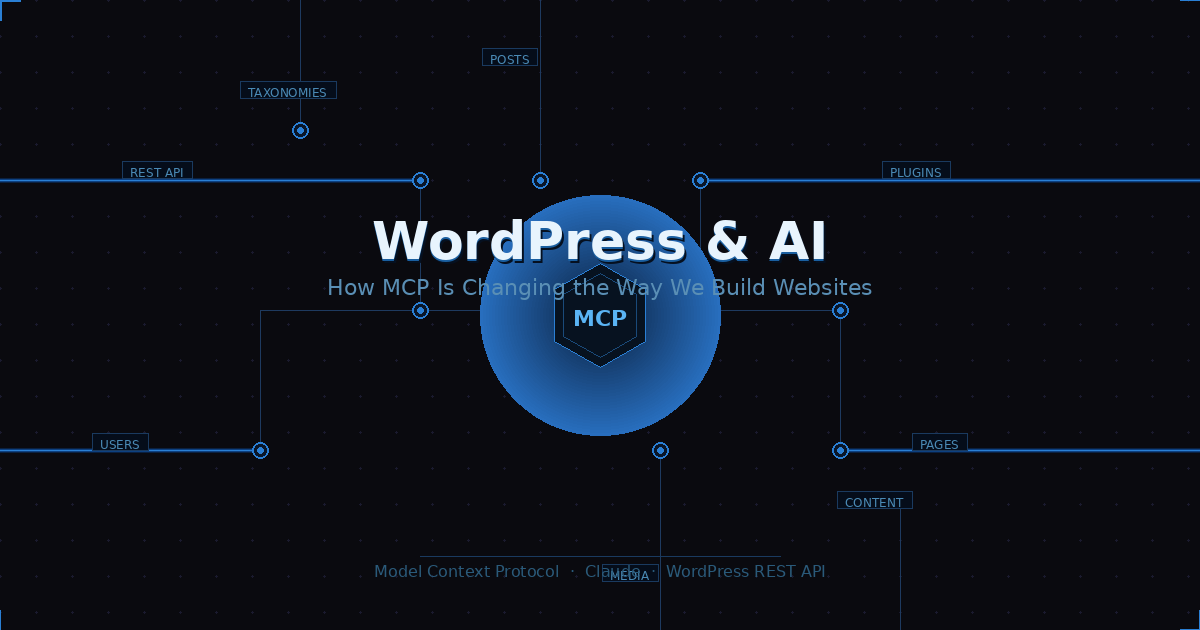
WordPress powers over 40% of the web. AI is reshaping how we build for it. And right now, a quiet but significant shift is happening at the intersection of both — driven by something called MCP (Model Context Protocol).
What is MCP?
MCP is an open protocol developed by Anthropic that lets AI assistants like Claude connect directly to external tools and services — databases, APIs, file systems, and yes, your WordPress site. Instead of copying and pasting content back and forth, the AI can read, write, and manage your site in real time through a secure, structured connection.
Instead of opening the WordPress admin, you just describe what you want — and it happens.
What this means for WordPress
With an MCP server connected to WordPress, an AI assistant can already handle a surprising range of tasks — all through a simple conversation:
✍️ Content
Create & publish pages, write and schedule posts, update existing content
🏗️ Structure
Build entire page hierarchies from a sitemap, manage parent/child nesting
⚙️ Admin
Install plugins, manage users, assign roles and permissions
We tested this hands-on: within a single chat session, Claude created an entire page structure from a Relume sitemap export, published 20 pages with correct parent-child hierarchy, and managed users and plugins — all without ever touching the WordPress admin.
Where it stands today
The integration is powerful but still maturing. Navigation menu management isn’t yet exposed through the standard MCP tools. Direct file access and theme editing are limited. Anything requiring complex authentication flows needs workarounds.
But the trajectory is clear. As MCP adoption grows and more WordPress-specific tools get built into the protocol, the gap between “talking to your AI” and “managing your website” will keep shrinking.
💡 The bottom line
WordPress + MCP isn’t a future concept — it’s already working today. For developers and site owners willing to experiment, it’s one of the fastest ways to see what AI-assisted content management looks like in practice. The rough edges are real, but so is the potential.
Tickets
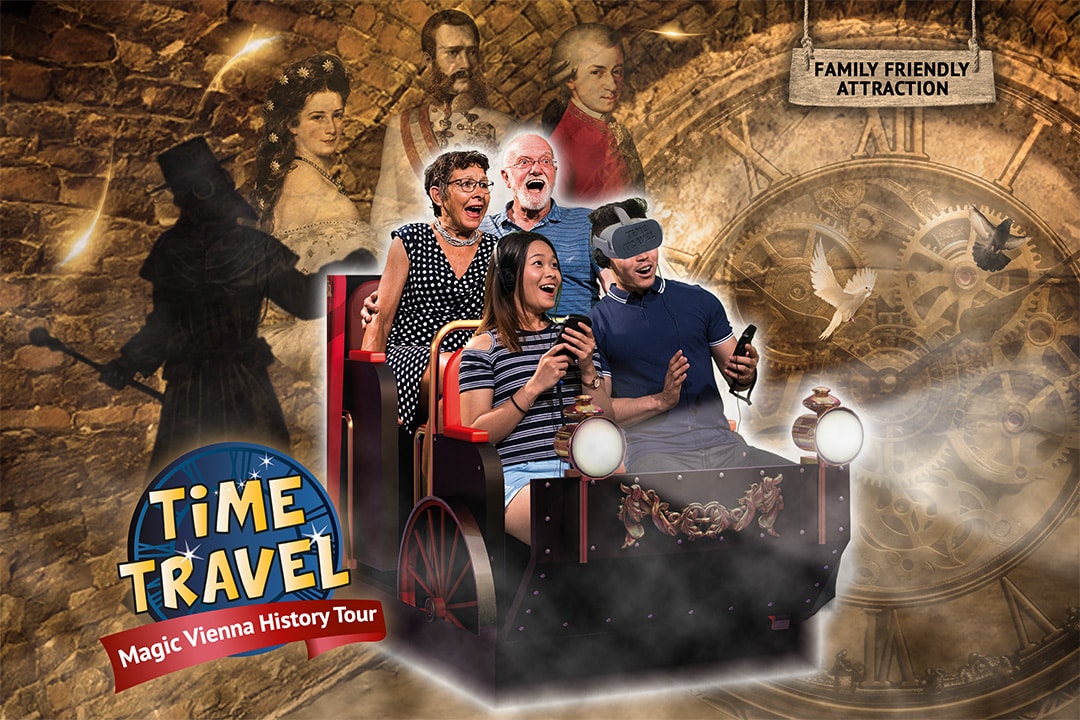
Time Travel
Magische Wiener Geschichtstour
ab €19,90/Person
Dauer ca 50min
- Historischer Originalschauplatz
- 1.300m² Erlebnisfläche
- Mit 5D Kino, Animatronik-Show, VR u.v.m.
Beliebteste Wahl

Kombiticket Time Travel + Sisi
Das Beste aus beiden Welten
ab €24,90/Person €43,80
Dauer ca 1,5 Std
- Zwei humorvolle Führungen
- Gesamtdauer Time Travel & Sisi: 1,5 Std.
- Beide Attraktionen gegenüber voneinander

Sisi’s Amazing Journey
360° VR Erlebnis
ab €9/Person
Dauer ca 40min
- Unterhaltsame Geschichten von Sisi
- Einzigartige Bootsfahrt mit der Kaiserin
- Modernste Simulatoren und VR-Technologie
This post was researched, written, and published entirely through an MCP-connected AI session — no WordPress admin required.
Frequently Asked Questions
What exactly is MCP (Model Context Protocol)?
MCP is an open protocol developed by Anthropic that enables AI assistants like Claude to connect directly to external tools, services, and systems — including your WordPress site. It acts as a secure bridge, allowing the AI to read, write, and manage data in real time without manual copy-pasting or switching between interfaces.
Do I need to be a developer to use MCP with WordPress?
Some technical setup is required to connect an MCP server to your WordPress site, but once configured, anyone can use it. You interact through natural language — just describe what you want, and the AI handles the rest, whether that’s publishing posts, managing users, or updating content.
Is it safe to give an AI access to my WordPress site?
Safety depends on how you set it up. MCP connections use authentication tokens with defined scopes, so you control what the AI can and cannot do. It’s recommended to use the principle of least privilege — limit write access to only the specific post types or actions you’re comfortable delegating.
Which AI assistants support MCP?
Claude by Anthropic has native MCP support built in. Other AI tools are beginning to adopt the protocol as it gains traction. Because MCP is an open standard, any AI assistant that implements the protocol can connect to your WordPress site or other external services.
What WordPress tasks can AI handle through MCP today?
Current capabilities include creating and publishing posts and pages, managing categories and tags, handling user roles and permissions, uploading media, moderating comments, and building entire page structures from sitemaps. Navigation menus and direct theme file editing remain limited for now, but the toolset is expanding quickly.
Will MCP replace the WordPress admin dashboard?
Not completely — at least not yet. MCP makes it possible to handle most day-to-day content management tasks without ever opening the dashboard, but complex plugin configuration and visual customization still benefit from the traditional admin interface. Think of it as a powerful complement, not a replacement.
Leave a Reply